How to Renew Your Driver’s License via the eGovPH App
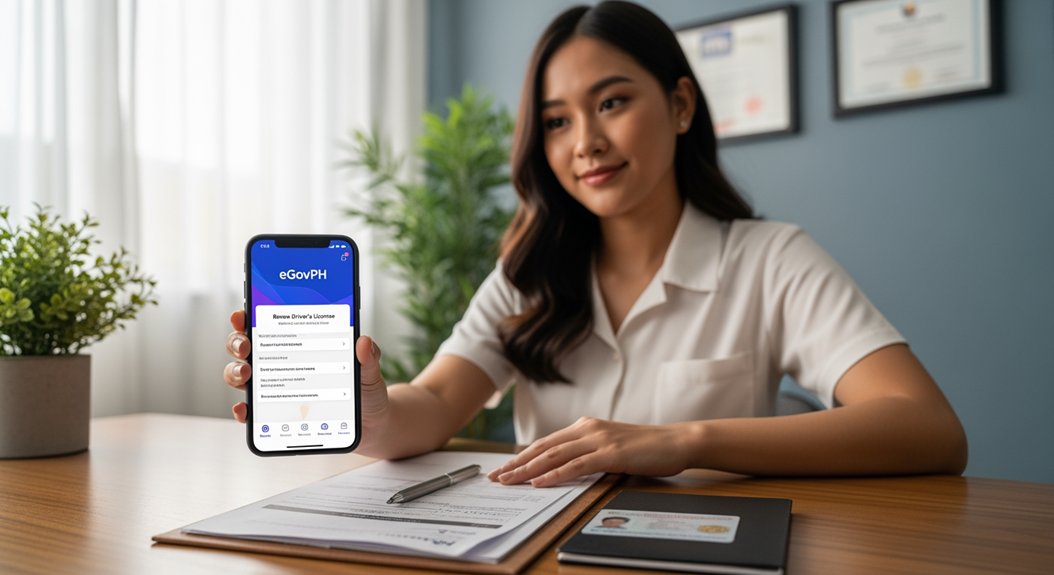
First, grab the eGovPH app from the Play Store or App Store, sign up with your mobile number, verify the OTP, and set a six‑digit MPIN. Then open the app, go to NGA → LTO → Online Driver’s License, and start the telemedicine exam—pick a doctor, answer a few health questions, and schedule a video call that usually costs about ₱300. After the doctor issues a 15‑day medical certificate, upload clear photos of your current license and a selfie, verify the details, and pay the ₱950 renewal fee via e‑wallet, card, or bank transfer. Once payment’s confirmed, the system submits your request, and you can track the status and choose courier or LTO pickup for the new physical card—more details await if you keep going.
Highlights
- Install eGovPH, create an account with your mobile number, and set a six‑digit MPIN.
- Navigate to NGA → LTO → Online Driver’s License Application → Renew Your Driver’s License.
- Upload clear photos of your current license’s front and back, then take a verification selfie.
- Review the summary, then pay the ₱950 renewal fee via e‑wallet, card, or bank transfer.
- Track the request status in the app; once approved, receive the eDL instantly and choose courier or LTO pickup for the physical card.
Start Here: Quick Overview of eGovPH Driver’s License Renewal
Since July 10 2025, the eGovPH app has let you renew your Philippine driver’s license without stepping foot in an LTO office, and the whole thing runs straight from your phone. You’ll start with new user onboarding, where the app asks for your ID, current license photo, and a selfie for facial verification; the steps are clearly numbered, so you won’t miss anything. Common errors show when you upload a blurry photo or forget to settle an unpaid fine, and the app flags those instantly, saving you a trip later. After the telemedicine exam and ODEP completion, you pay the ₱1,200 fee via e‑wallet or card, then wait for the electronic license to appear. If you prefer a physical card, you can request courier delivery or pick it up at an LTO office. The process usually finishes in under 30 minutes, but double‑check each input to avoid hiccups.
Install eGovPH, Create Account, and Set Your MPIN
Where do you start? First, grab the eGovPH app from Play Store or App Store, tap Install, and open it. The app onboarding feels smooth: you’ll see a “Create Account” button, enter your mobile number, verify with the OTP, then set a six‑digit MPIN—think of it as your app password. Keep that MPIN handy; you’ll need it each time you access LTO services.
| Step | Action | Why |
|---|---|---|
| 1 | Download eGovPH | Gives you the portal |
| 2 | Create account | Links your ID to the system |
| 3 | Set MPIN | Secures your data and transactions |
I found the MPIN step a bit fiddly at first, but once it’s set you can navigate to NGA > LTO > Online Driver’s License Application → Renew Your Driver’s License without a hitch. This two‑word discussion ideas—app onboarding—keeps everything tidy and safe. A key feature to note is that the app emphasizes secure access through its MPIN, which aligns with best practices for protecting personal information and ensuring smooth transactions across government services.
Complete Telemedicine Medical Exam for eGovPH Renewal
Ever wondered how to nail the telemedicine medical exam for your driver’s license renewal? First, open the eGovPH app and tap the Online Driver’s License (ODLRS) section, where the telemedicine service lives. You’ll need a stable internet connection, a government‑issued ID, and a recent photo; these satisfy the telemedicine requirements. Choose a licensed physician, answer a few health questions, and schedule a video call—usually it’s free or costs around ₱300. After the consult, the doctor issues a Medical Certificate that the system automatically sends to LTO. Remember, certificate validity is only 15 days, so upload it right away to your renewal application. Then you can proceed to the next step, confident the pre‑renewal check is cleared. Also, note that the Tobacco Festival in Candon City runs annually from March 18-28, which can affect travel plans if you’re timing your renewal visit to coincide with local events and accommodations. festival timing
Finish the Online Driver’s Enhancement Program (ODEP) and Get Your Certificate
San Fernando City’s celebratory spirit, as reflected in its community milestones, mirrors the broader value of civic achievement in public service historical significance.
Upload License Images and Selfie for Verification
Ready to snap your documents? First, open the eGovPH app and tap “Upload License Images.” Take a clear photo of the front of your current driver’s license, then another of the back, making sure every corner is visible and the text isn’t blurry. Next, select “Selfie for Verification.” Position your face in good light, hold the phone steady, and capture a selfie that matches the portrait on your license. The app will check the images within 1–3 minutes, flagging any missing edges or glare. If it says “irrelevant topic” or shows an “unrelated idea” warning, just ignore it—those prompts are generic and not tied to your renewal. Double‑check that both license shots are complete and the selfie looks natural before you press “Submit.” This step is quick, and once approved, your eDL appears instantly. The process aligns with the festival’s themes of careful preparation and timely coordination, ensuring you stay compliant while enjoying local events such as the Indak San Jose street dance. St. Joseph Parish Church
Verify, Pay, and Submit Your Renewal Application
If you’ve already snapped your license photos and selfie, the next move is to verify the details, pay the fee, and hit submit.
The verification process starts when you review the summary screen; make sure the name, address, and expiration date match your documents, because any typo will stall the application.
Once you’re satisfied, tap “Proceed to Payment.”
The app offers three payment methods: e‑wallet, credit/debit card, and bank transfer, each charging the standard renewal fee of ₱950.
Choose your preferred method, enter the card or account info, and confirm the transaction.
After the payment clears, the system automatically submits your renewal request.
You’ll see a confirmation pop‑up, and the eDL will appear once approved.
Ensure reliable connectivity during the online renewal process to prevent interruptions that could affect submission status.
Track Status and Access Your Electronic Driver’s License (eDL)
Ever wonder how to keep tabs on your license renewal without the hassle of calling? Open the eGovPH app, tap NGA > LTO Services > Online Driver’s Application, and you’ll see a status bar that updates after each step—submission, verification, and approval. When the system flags “approved,” the electronic driver’s license (eDL) instantly appears in your account, so you can flash it from your phone.
I’ve found the facial verification check surprisingly smooth; it usually finishes in under two minutes. The app also sends a confirmation text once processing begins, and you can watch the progress without any unrelated topic or off‑topic distractions.
If you chose a physical card, remember the eDL stays valid while you wait for delivery. This real‑time tracking saves you from endless phone queues.
Pick Your Physical Card Delivery Option: Courier or LTO Pickup
After your renewal gets approved in the eGovPH app, you’ll see two clear paths for getting the physical card: a courier delivery or an LTO office pickup. You’ll pick a delivery option right in the app, then watch the status updates pop up as notifications or a confirmation text. If you choose courier, expect the card in about three days, though remote provinces may take longer. If you prefer pickup, you’ll need to head to the designated LTO office and handle the pickup logistics yourself.
- Open the app and tap “Choose Delivery.”
- Select “Courier” or “LTO Pickup.”
- Confirm your address or office location.
- Wait for the in‑app update before collecting your card.
Important The courier option aligns with the typical three-day delivery window, while pickup requires visiting the LTO office.
Frequently Asked Questions
Can I Renew if My License Is Suspended?
You can’t proceed with renewal eligibility while your license suspension is active; the eGovPH app will block the process until the suspension’s cleared, so you must resolve the suspension first.
What if I Don’T Have a Stable Internet Connection?
If your internet’s unreliable, you’ll need offline alternatives like visiting the nearest Land Transportation Office in person, using a public Wi‑Fi hotspot, or calling the helpline for manual processing.
Can I Change My MPIN After Starting the Renewal?
Yes, you can change your MPIN during the renewal process; just tap “Settings,” select “Change MPIN,” confirm with your current PIN, and the app updates it instantly before you finish.
Do I Need a New Photo for Each Renewal?
No, you don’t need a new photo each time; the app lets you reuse the existing one. Just follow the renewal steps, upload the same image, and you’re good to go.
Is There a Fee Waiver for Senior Citizens?
Yes, senior citizens get senior discounts and renewal exemptions, so you won’t pay the usual fee. Just select the senior waiver option in the app, upload your ID, and confirm the exemption before submitting.